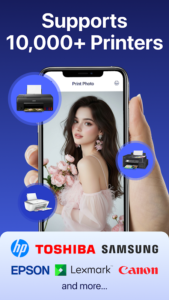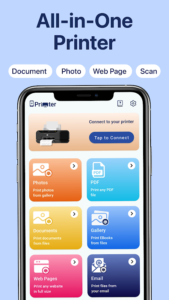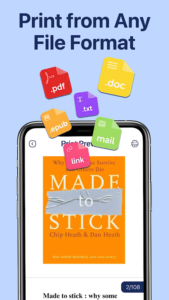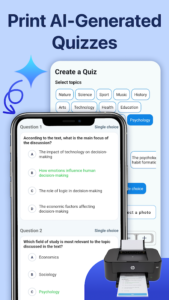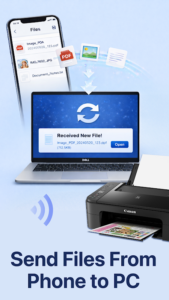
🍁 Mobile Printer: Photo & Document Printing is a powerful Android application that allows you to print directly from your smartphone to almost any compatible printer, including HP, Canon, Epson, Fuji, Lexmark, Brother, Samsung, and Xerox — without the need for complicated cables or additional equipment. Simply connect your printer and start printing photos, documents, PDFs, Word files, invoices, and more with ease.
🍁 With Mobile Printer, you can quickly print photos, emails, and attachments directly from your device or cloud storage services such as Google Drive. The app provides flexible printing settings, including paper size, page orientation, number of copies, page range selection, single or double-sided printing, print quality, color or black-and-white mode, and paper tray options.
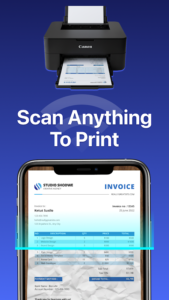
🍁 The app automatically detects supported printers available on your local wireless network and connects to compatible devices within seconds. You can print anything stored on your phone without using a computer. It also includes a built-in camera scanner feature that allows you to capture images and print documents instantly.
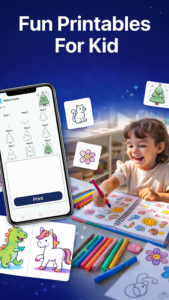
🍁 Before printing, you can customize your photos with editing tools such as cropping, adding text, and adjusting content. The app supports printing multiple images at once and provides creative templates, including greeting cards, calendars, letters, educational activities for kids, and many other printable designs.
1. Which payment methods are supported?
Payments for premium features are processed securely through your Google Play account. For more information about accepted payment methods, please visit Google Play’s payment support page.
2. Why are my files not printing?
If printing is not working correctly, check that the app has the required permissions:
Settings → Apps → Mobile Printer → Permissions
Make sure the necessary permissions are enabled.
3. Why does the app request location permission?
When using Wi-Fi Direct printing, the app requires location permission to detect nearby wireless networks and compatible printers. This permission helps the app establish a connection with supported devices.